Virtual Docent
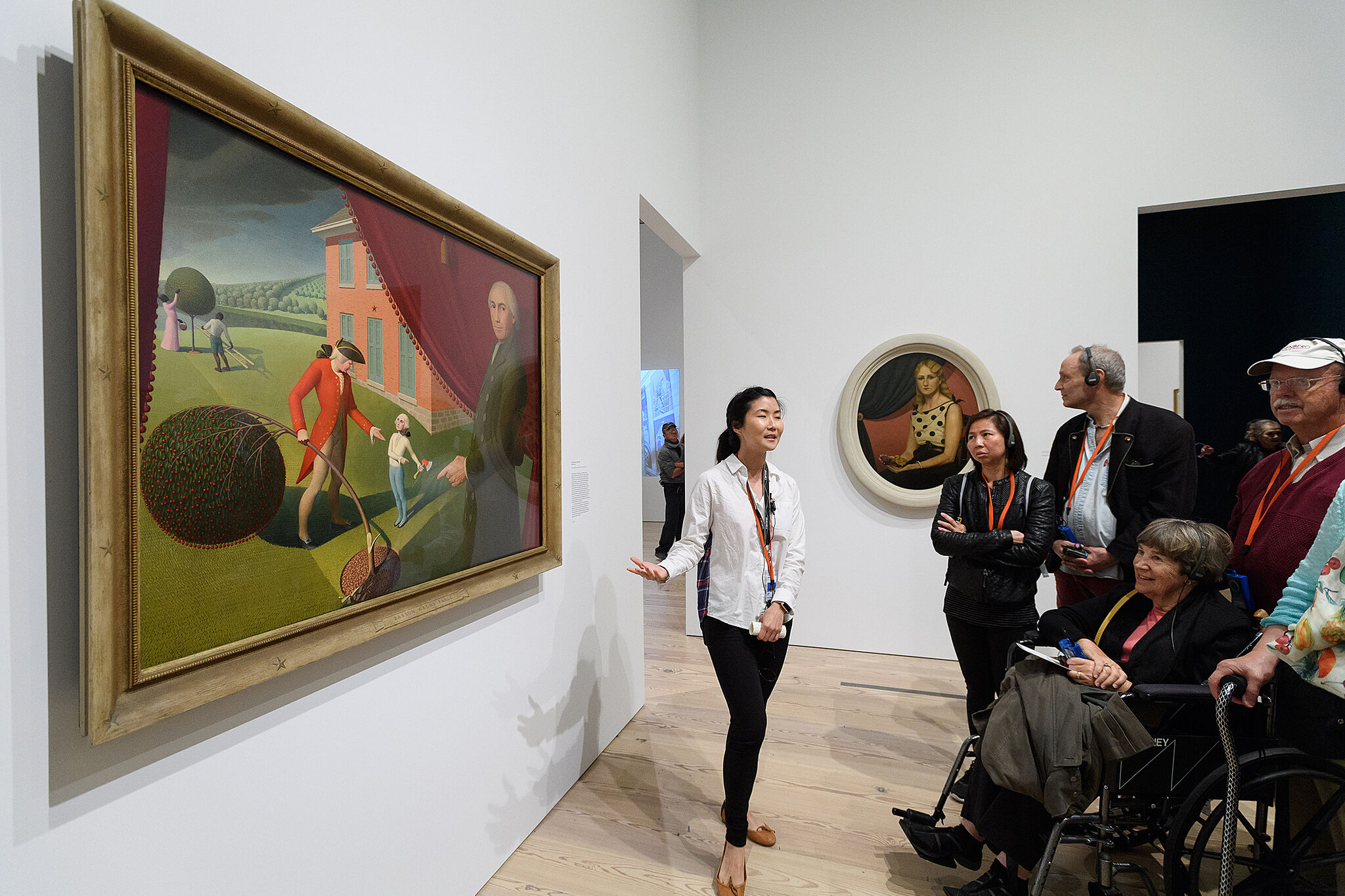
A museum docent is a guide who teaches visitors about a museum’s collections and exhibits. A good docent can greatly enhance visitors’ experience. However, when a docent is not available, visitors are often left with just a brief plaque describing the exhibit.
The goal of this project is to preserve the expertise of knowledgeable and entertaining docents. While the virtual docent is not intended to replace or to be equivalent to a human docent, it can provide some of a docent experience to all visitors, if a real human docent is not available.
Approach
As seen in the adjacent video, a real human docent is filmed in the scene, explaining the exhibit. The video data is processed and an app is created from the data. After downloading the app, a user can view the virtual docent on a smart phone (or augmented reality glasses, if they are available). The virtual docent appears superimposed on the real scene.
The user sees the virtual docent accurately positioned in the real scene. Thus, if the docent points to a real object, the user can tell what object they are pointing to.
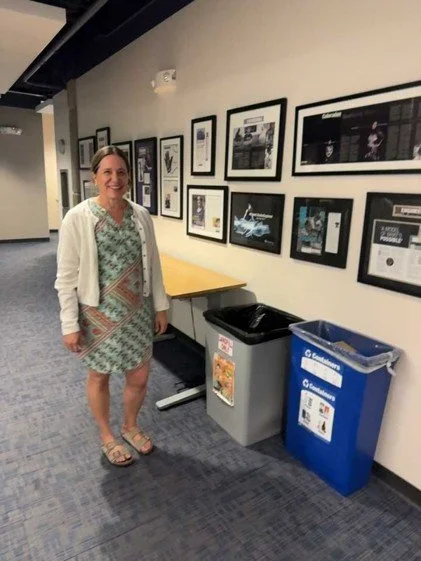
Billboard model
To simplify the creation of the experience, we use a simplified model of the docent - a flat “billboard”. The image texture of the docent is projected onto the billboard, which is automatically positioned in the scene. This video shows an example of a billboard with its video texture.
Billboard model with video texture.
Scene Mapping
As a pre-processing step, we need to create a 3D map of the scene, so that the virtual docent can be accurately positioned with respect to the user’s viewpoint. This step requires the content creator to take a set of images of the scene. A 3D map is automatically created from the images.
Creating a 3D map of the scene by shooting images from different angles.
Resulting 3D map of the hallway.
Segmentation
We segment the image of the docent so that the video texture can be pasted onto the billboard. We also define the center of the billboard to be at the location of the person’s torso.
Segmentation of the image of the person, so that the texture can be pasted onto the billboard.
Body joint positions are extracted automatically. The location of the billboard center is at the person’s torso center (the red crosshair).